- DATE:
- AUTHOR:
- The ManageXR Team
- RELATED ROADMAP ITEMS:
- Rooms (beta)
Rooms beta
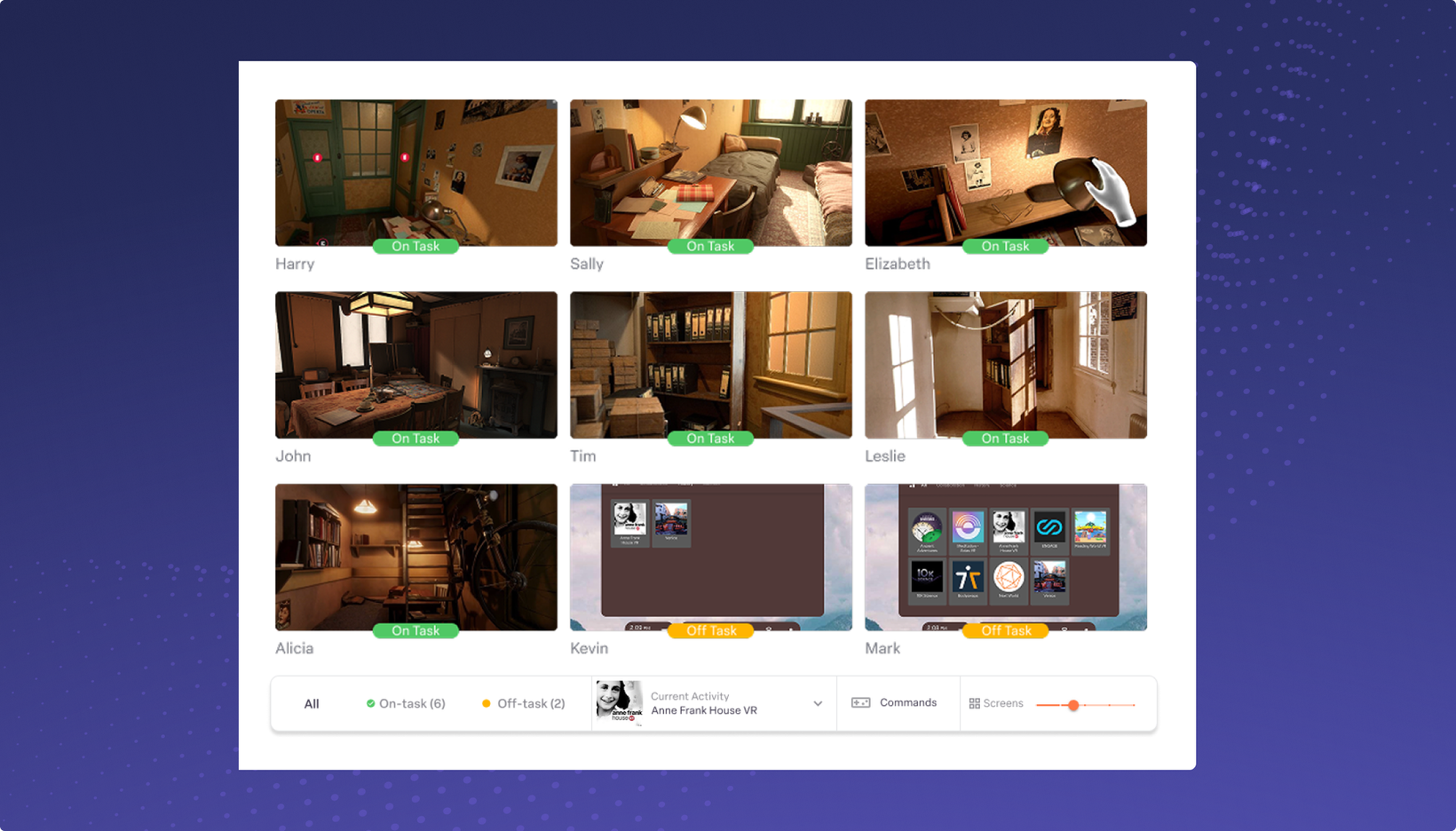
Rooms (beta) is an easy-to-use tool for managing VR classrooms and trainings. See what learners see in-headset, remotely guide them through activities, and help them get the most value out of VR. All customers on ManageXR Premium and Enterprise subscriptions can now access Rooms (beta). To get started, sign in to ManageXR and go to the Rooms tab. Create and run your first Room today!
Prepare Rooms in advance and set a starting activity
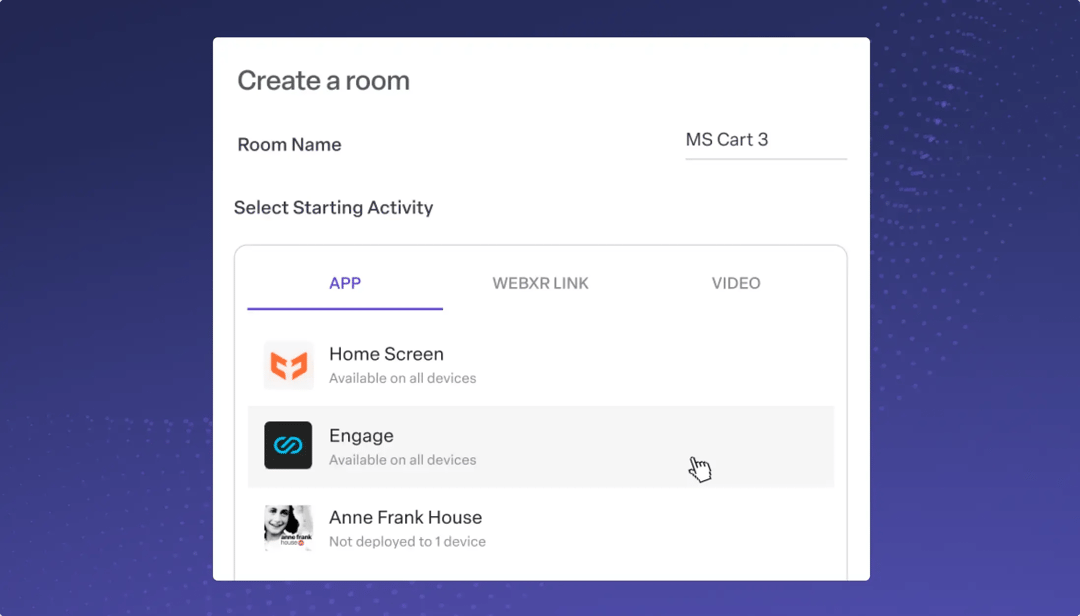
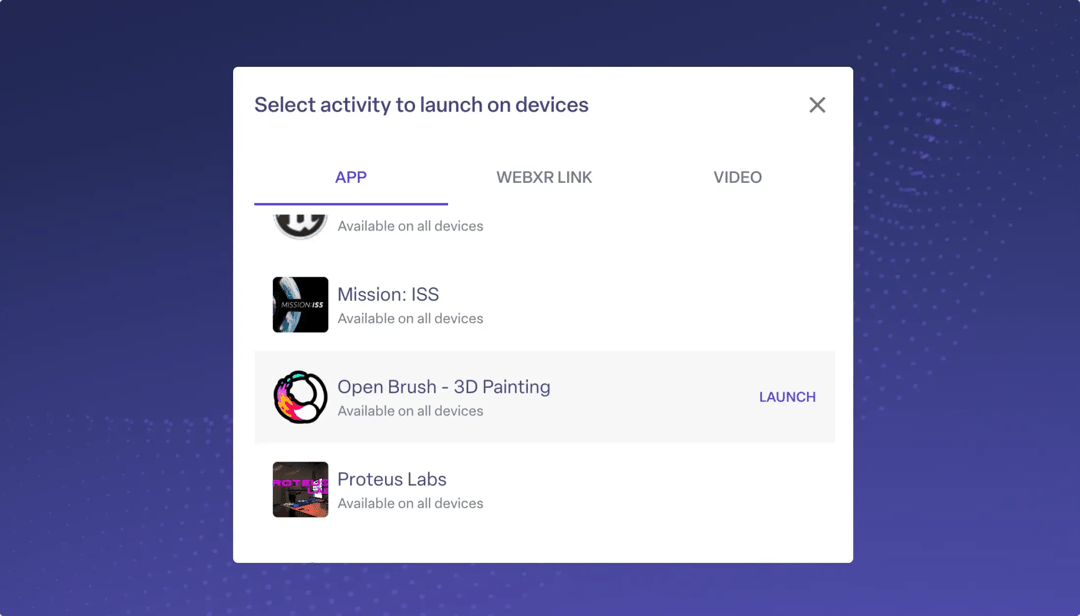
Walk into your lesson or event knowing everything is set up. Create a Room ahead of time and pick the activity you want to launch. Press start, and everyone lands in the same place at the same time. No need to walk learners through how to open an app, video, or WebXR link.
Remotely control devices
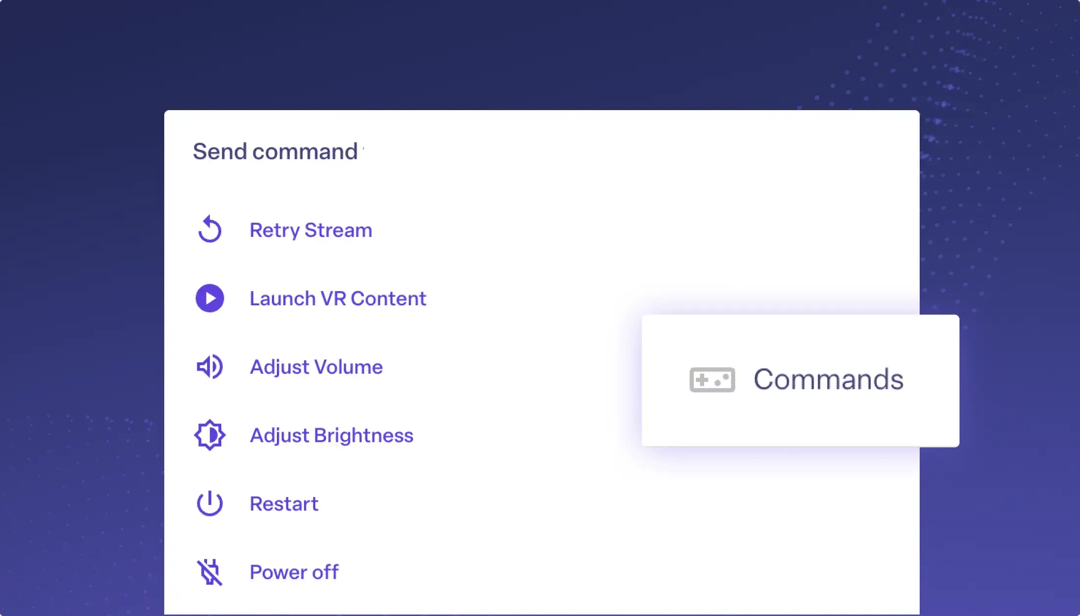
Adjust settings and fix problems without interrupting the flow of learning. From the Rooms dashboard, change a learner's volume or brightness. Send a restart command to a device that's acting up, and the screen view picks back up automatically once the device is back on. When you're done with the session, power off all the devices in a single click.
View all screens, or go full screen on one device
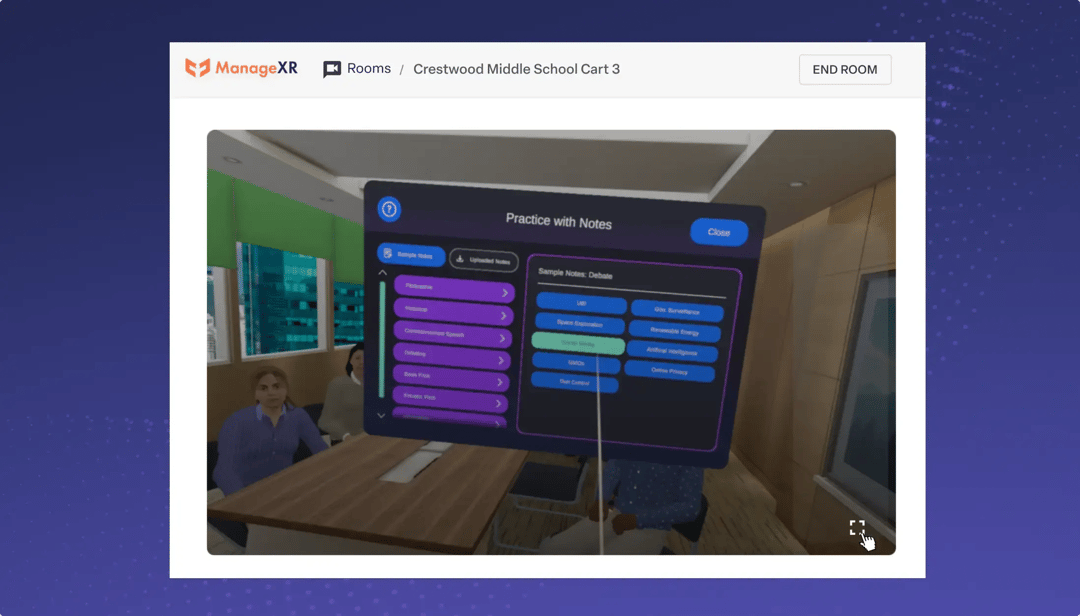
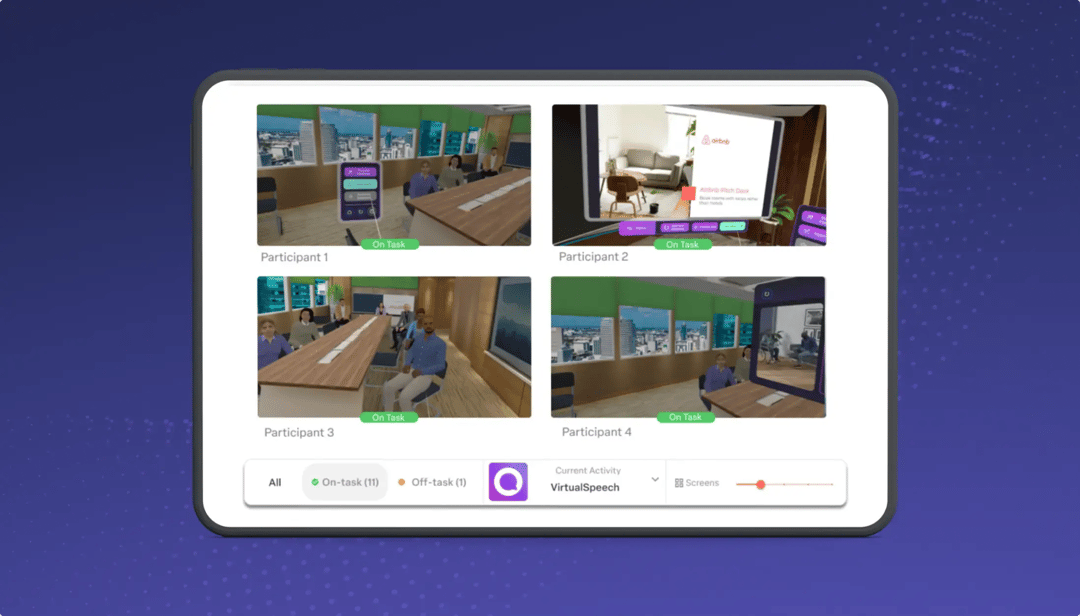
View every screen at once, or zoom in on one learner. Go full screen to run a demo for the group. Use the screen size adjuster to set the display the way you want it.
Use Rooms with apps from the Meta store
Pair Rooms with our Meta Managed App Store Integration. Meta Managed Apps like Mission: ISS, Open Brush, and Human Anatomy VR for Institutions all work. Launch and switch between Meta Managed Store apps seamlessly.
Access from a computer or tablet
Run Rooms on whatever device works best for you. The UI is simple and tablet-friendly. Computers, tablets, and even phones are supported.
Share Rooms with facilitators outside of ManageXR
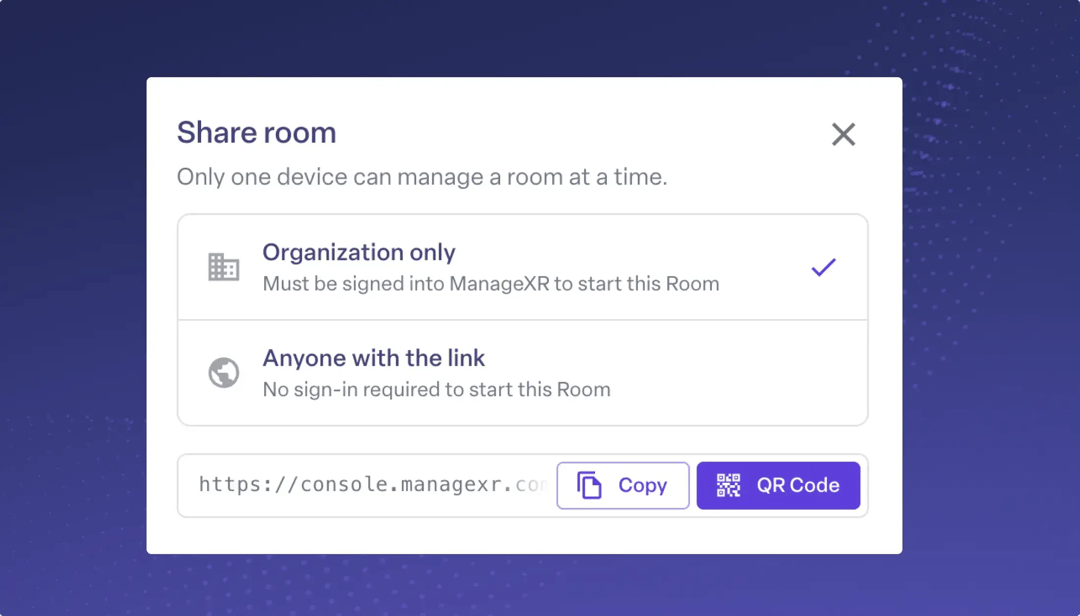
Teachers and facilitators don't need a ManageXR account to use Rooms. Share the Room link or QR code with them. They can bookmark the link, or you can print the QR code and tape it to your device cart. Scan it with a tablet to start the Room in seconds.
Thank you for your feedback on Rooms
Your feedback is shaping where Rooms goes next. It has already led to major upgrades and new features within Rooms, including assigning activities to individual devices, individual and bulk commands, the option to power off all devices at the end of a room, better UX for adjusting screen size, and many more planned improvements. We're continuing to make it better and would love your input. Reach out to support@managexr.com with your thoughts.