- DATE:
- AUTHOR:
- The ManageXR Team
- RELATED ROADMAP ITEMS:
- Limit user access to configs and devices
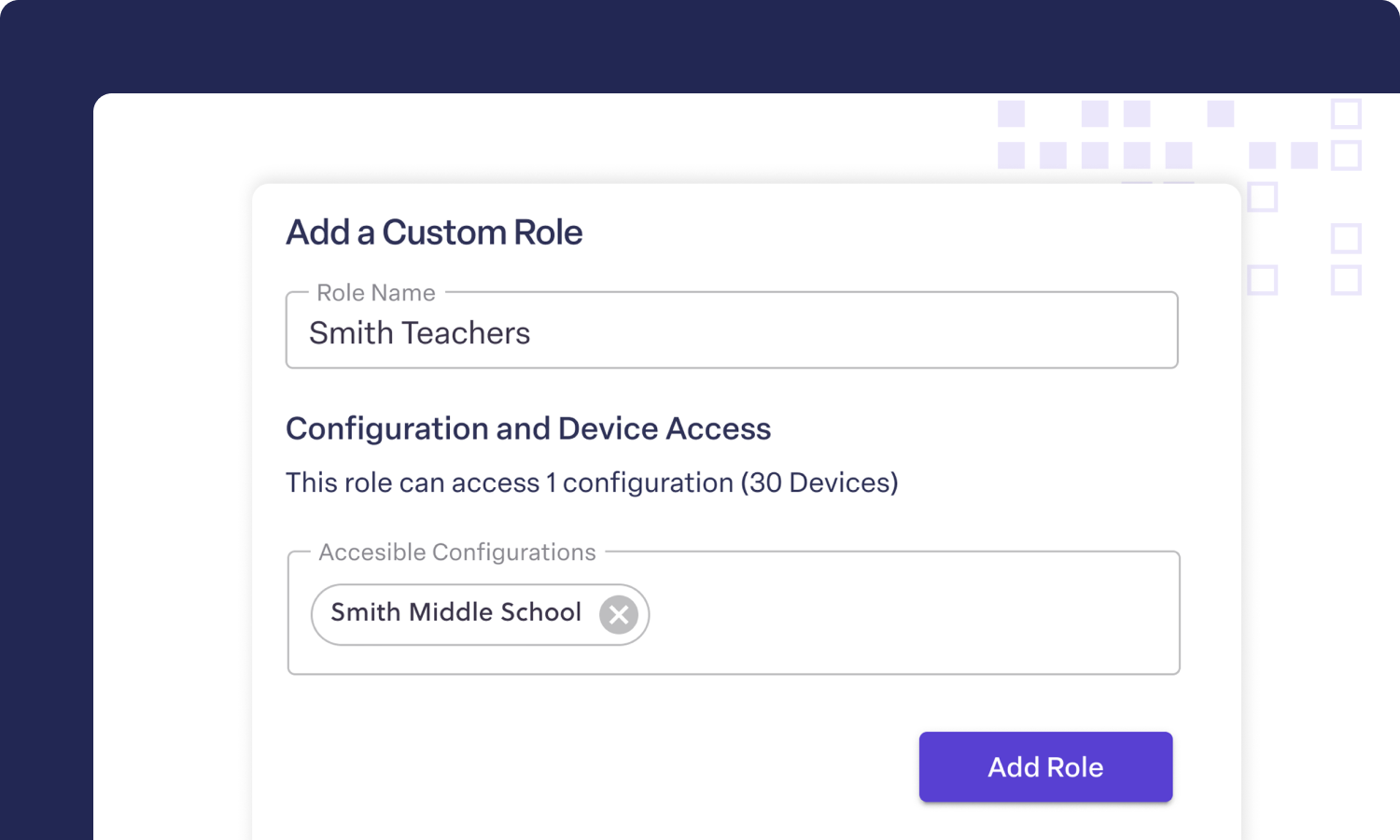
Limit user access to a subset of configs/devices, enroll Beam Pros, and more
We've been busy! Here's what's new in ManageXR. You can now create custom user roles to limit access to specific configurations and devices, enroll XREAL Beam Pro devices, and benefit from some big time device streaming upgrades. Here's the full rundown.
Limit user access to a subset of devices
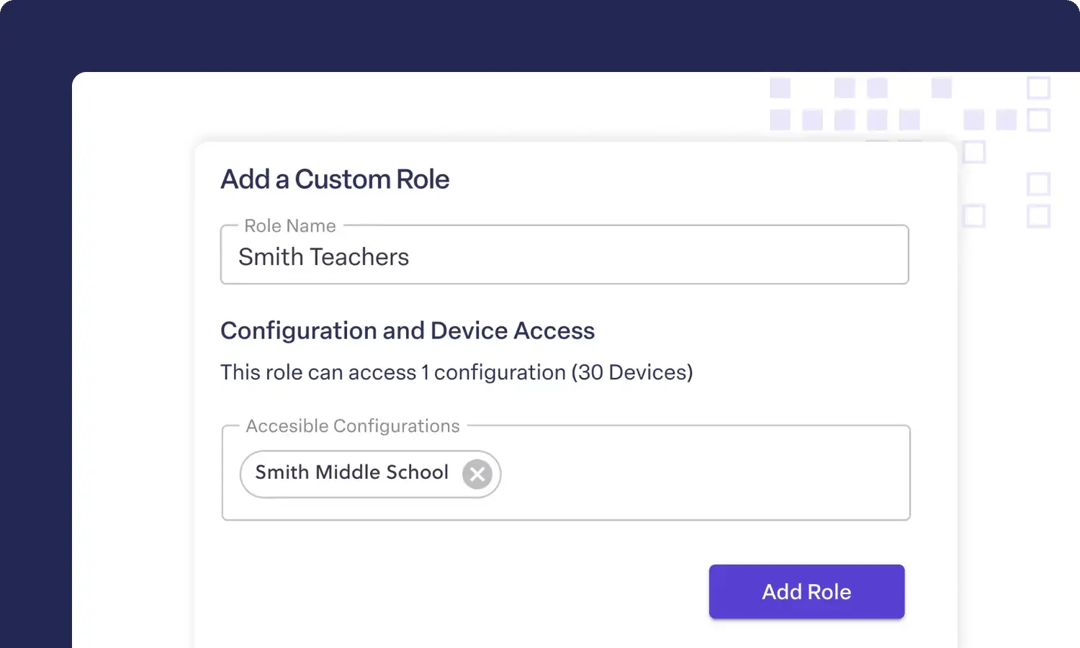
Not every user in your organization needs access to every device. With custom User Roles, you can restrict each user's access to specific configurations and their devices. This is useful for organizations with multiple business units, schools, or a mix of internal and production devices. Go to Settings > Users > Roles and create a new role.
Beam Pro support
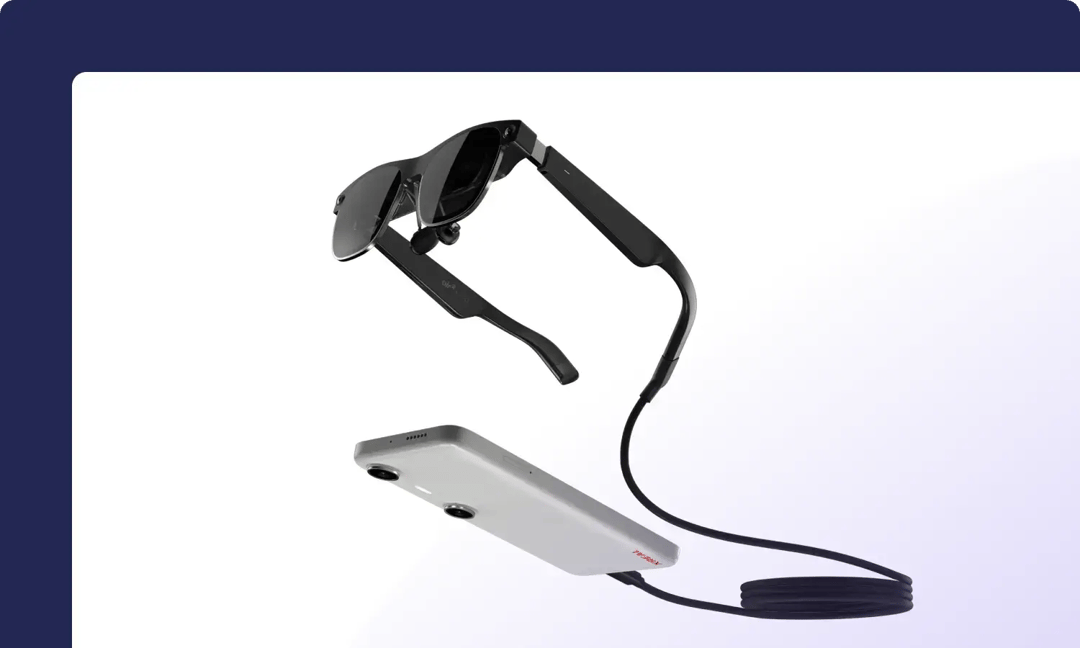
Rolling out AR in your organization? ManageXR now supports the XREAL Beam Pro. Enroll Beam Pro devices using the Device Setup Tool, manage them alongside your existing fleet, and push content to them just like any other device.
Streaming upgrades
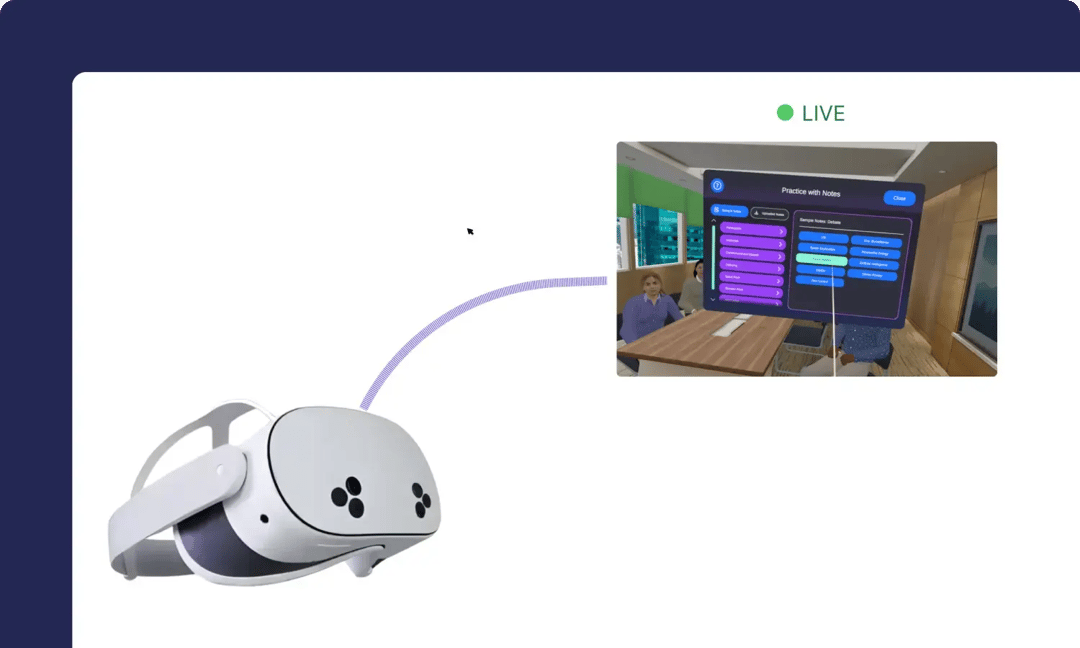
We upgraded the reliability and performance of device streaming. Whether you're troubleshooting a single device or running a Room, streams now connect and stay connected more consistently. Our engineering team improved stream initiation and stability by over 30%. If you're still having trouble streaming, reach out to us. We can help figure out whether a network change on your end would help or whether it's something we need to fix.
Other fixes & improvements
Add streaming connectivity checks to ManageXR Network Connectivity Test
More specific and actionable error messaging when streams fail
Correctly show app icons for Meta Horizon Store Integration apps
Include Meta Horizon Managed Store apps in device out of date status
Improved handling of custom 3D environments with missing scene data
Resume app downloads automatically when internet connectivity returns during enrollment
Thank you
Thanks for taking the time to tune in and hear what we've been up to. Don't hesitate to reach out to our team at support@managexr.com if you have any feedback or ideas. We'd love to speak with you!
Joyfully,
The ManageXR Team